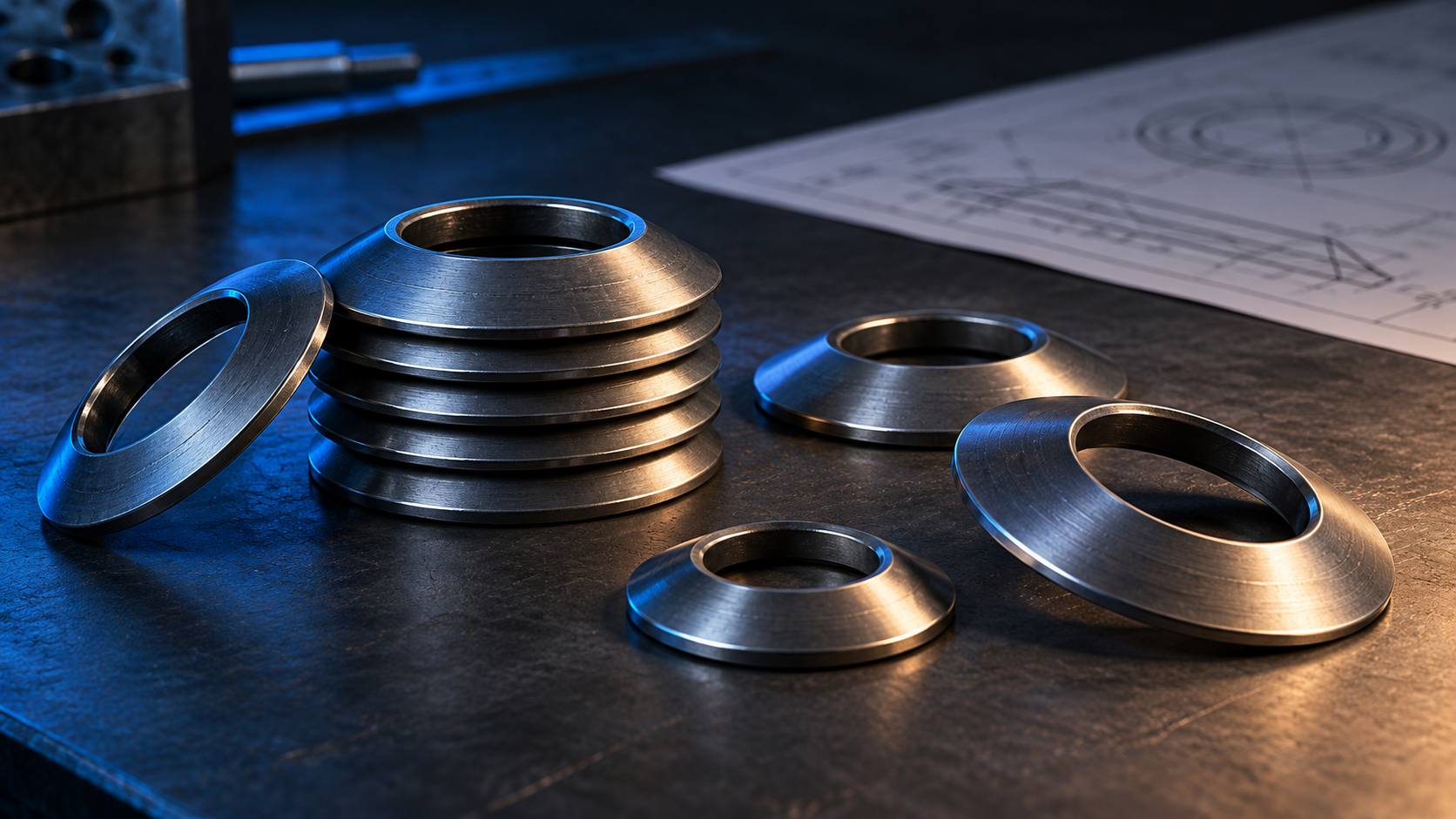
A disc spring calculator is useful when you need to screen a Belleville spring or stack against a force and deflection target. A calculator does not replace a controlled drawing. The result depends on the spring geometry, material basis, contact conditions, stack arrangement and working point that you enter.
Use the calculator to narrow the design space. Then confirm the selected standard, dimensions, tolerances and operating conditions before releasing the part. If the calculation is tied to a DIN 2093 product family, the DIN 2093 Belleville disc spring page is a useful product checkpoint, not proof of a particular load curve.
The basic calculation connects spring geometry to a load-deflection response. In a real order, the result must also fit the available space and the way the assembly applies force. That means the calculator should preserve more than an outside diameter and a target load.
| Input group | What to define | Why it matters |
|---|---|---|
| Geometry | Outside diameter, inside diameter, thickness and free height or cone height | These dimensions control the spring geometry used by the calculation. |
| Material basis | Material or standard basis, elastic properties and temperature assumptions | A generic material name is not enough for a controlled result. |
| Stack | Single spring, series group, parallel group or combination | Stack arrangement changes the force and deflection relationship. |
| Working point | Preload, travel, target force and available installation height | A result is meaningful only at the point where the assembly will work. |
| Contact and friction | Guide, contact faces, lubrication and sliding surfaces where relevant | Contact conditions can move the measured result away from an ideal calculation. |
Stacking is not a cosmetic assembly choice. In a parallel group, the discs share approximately the same deflection while the available force increases with the number of discs. In a series group, the discs add travel while the force relationship remains that of one disc. A combination uses both relationships.
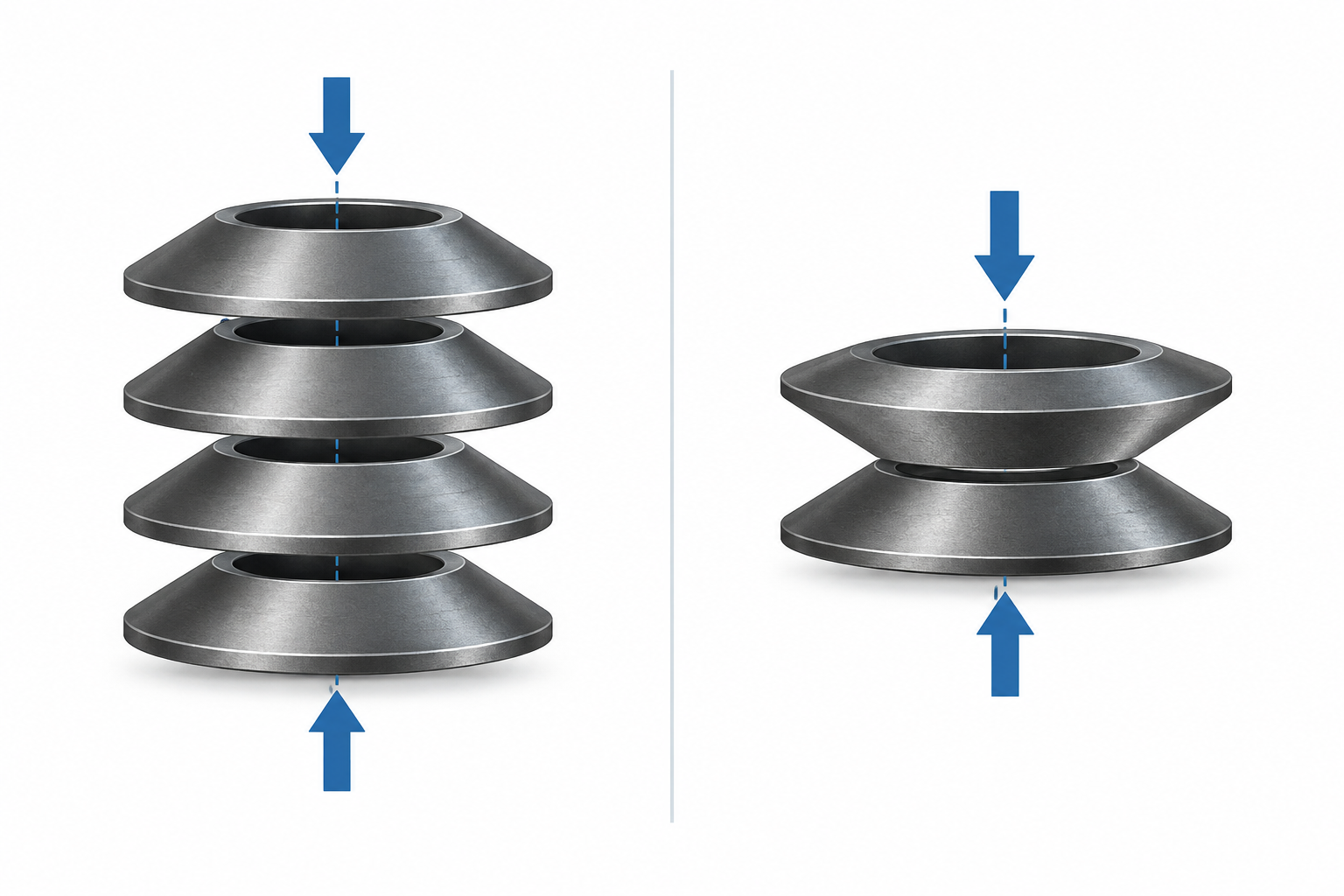
SPIROL’s design guidance describes these series, parallel and combination relationships and also notes that friction between parallel discs affects the measured result. Treat the stack construction as part of the calculation input. Do not copy a single-disc result into a multi-disc assembly without recalculating it.
The most common error is mixing a nominal dimension from one standard with a formula or material basis from another. A second error is omitting the stack arrangement. A third is treating a calculated curve as a measured production curve even though friction, tolerances, guide clearance and surface condition have not been checked.
Keep the calculation record with the drawing revision. Include the input values, units, source of each material property, stack sketch, working point and any test requirement. This makes a later supplier review much faster than sending a screenshot of an unexplained result.
Save the calculator version or URL, the input file, the selected standard, the spring orientation and the date of the calculation. Record whether the force is a target, a minimum, a maximum or a nominal value. Record the direction of loading and the guide arrangement as well. These details make a disc spring design reproducible when a drawing changes.
A belleville washer load calculator can help compare alternatives, but its output still needs the same controls. If the calculated stack changes from one parallel set to several series sets, save the new stack sketch rather than changing only the quantity field. The drawing, calculation and inspection plan should describe the same assembly.
Disc-spring formulas are sensitive to the geometry definitions and property assumptions used by the selected method. A field labelled “height” may refer to free height, cone height or another reference in a particular document. A material field may represent an elastic modulus, a strength basis or a supplier preset. Copying a formula between tools without checking those definitions can create a result that looks precise but answers a different question.
For that reason, keep the source and revision beside the calculation. If a supplier uses a different standard, ask which dimensions and equations control the quoted result. Compare the working point and stack sketch, not only the final force number.
Start with the selected spring standard and its controlled outside diameter, inside diameter, thickness and free height or cone height. Add the material or property basis, temperature assumptions, stack arrangement, guide and contact conditions, preload, travel and target force. The exact fields depend on the calculator and standard. If a field changes the force-deflection result, preserve it in the design record.
Verify the result whenever the part is safety-relevant, highly cycled, temperature-sensitive, tolerance-sensitive or used outside the standard application range. Testing is also appropriate when several discs work in parallel, when friction is important, or when the supplier’s production process may change the measured response. Use the calculation to define the test point; do not use it as a replacement for the test.